
Log in
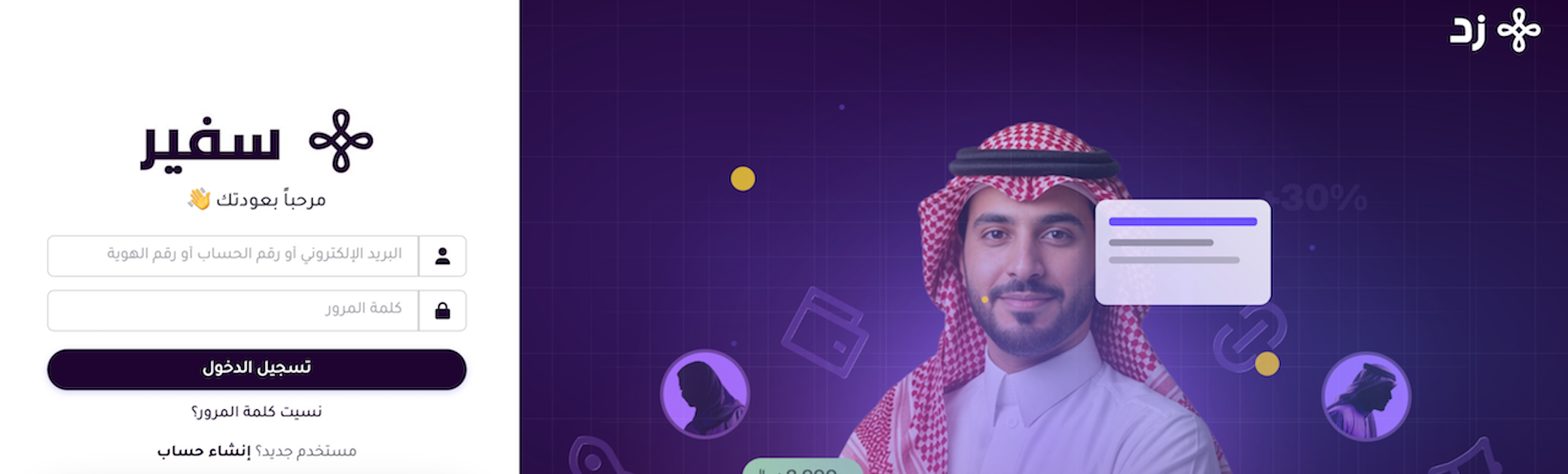
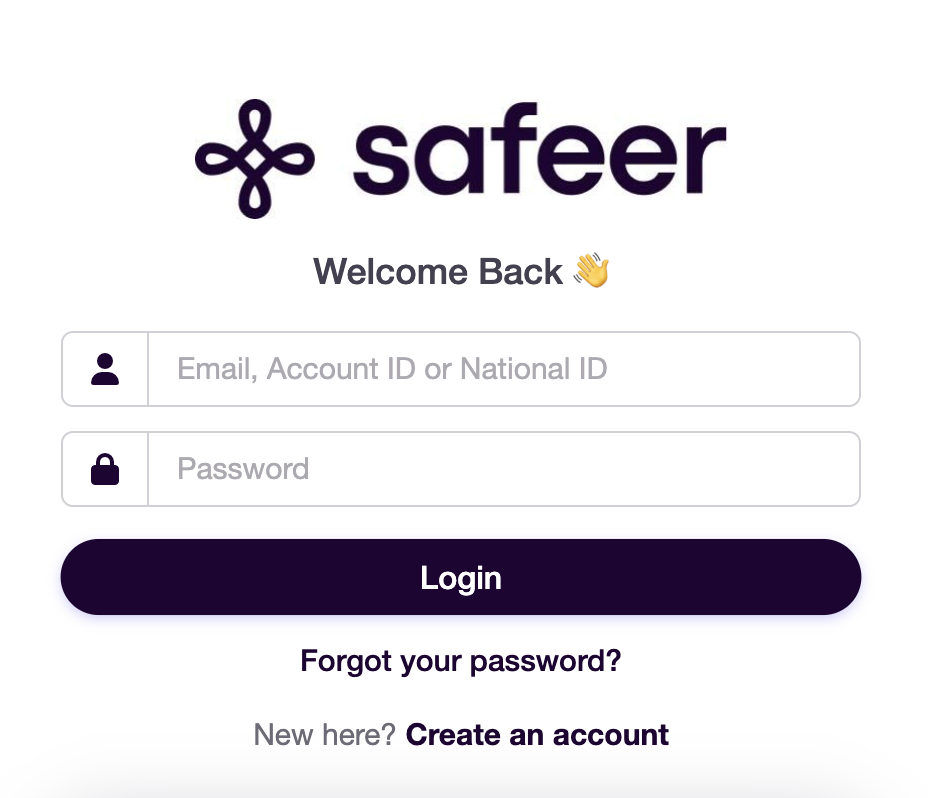
You can log in to your Safeer Zid account using your registered account details.
-
Go to the Safeer Zid portal.
-
Enter your email address, Account ID, or National ID, then enter your password.
-
Click Login.
Reset your password
If you forget your password, follow these steps to reset it:
-
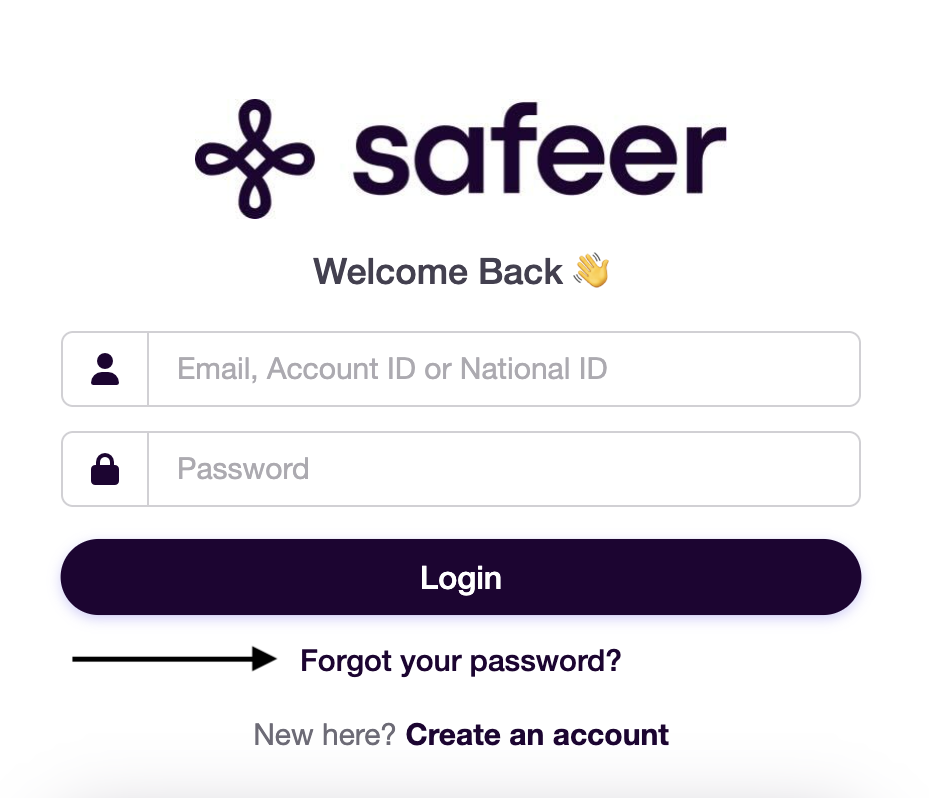
On the login page, click Forgot your password?
-
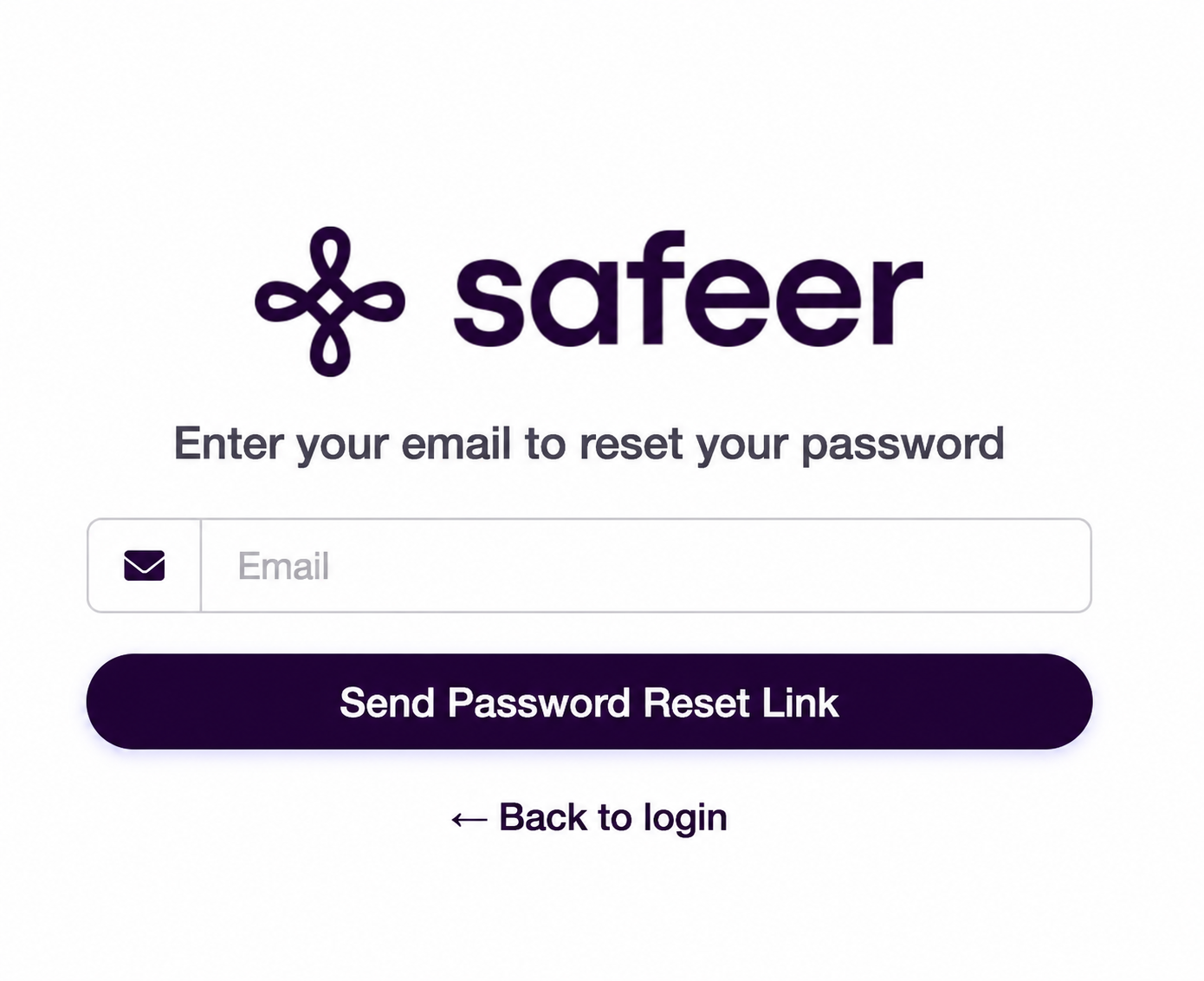
Enter the email address registered to your account, then click Send Reset Link.
-
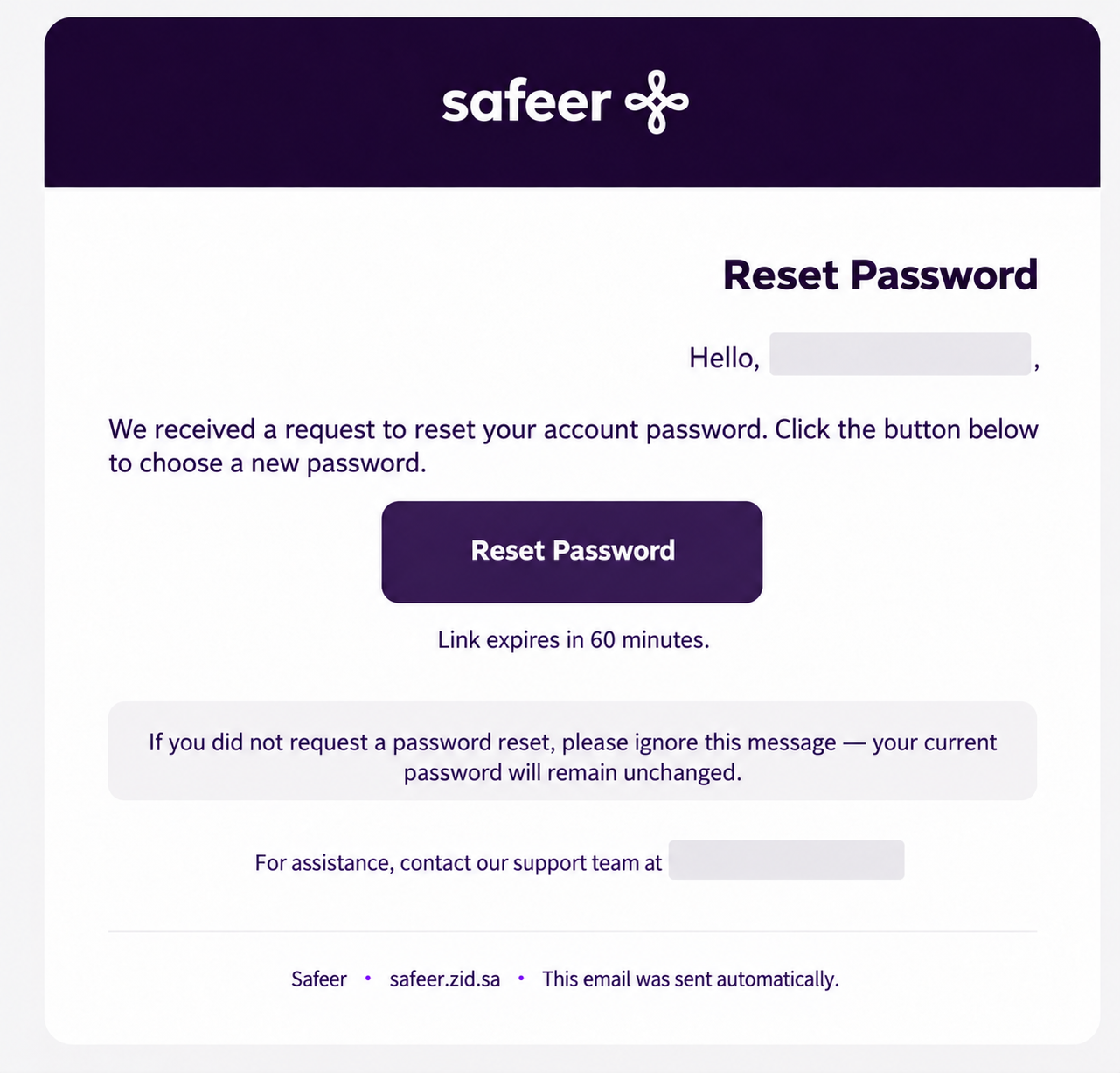
You will receive an email containing a password reset link.
-
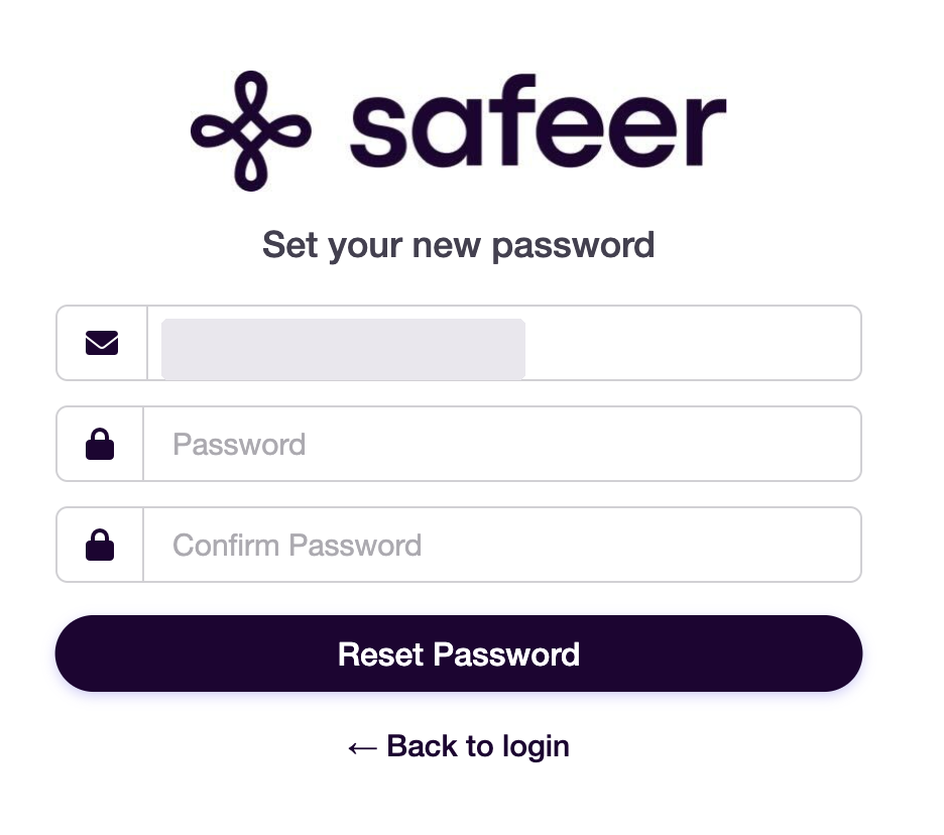
Open the reset link, enter your new password, confirm it in the designated field, then click Reset Password.
-
Return to the login page and use your email address, Account ID, or National ID with your new password to access your account.